Help your players
see what you see.
CoachReel is a video coaching tool for sports coaches and parents. Clip the moments that matter, draw what you want your player to see, and send a phone-ready file before the next game or practice. No video editing skills. No account required. No upload.
You've already tried the free editors.
VSDC is manageable, until you realise you've spent two hours trimming a thirty-second clip. DaVinci Resolve is powerful, but the learning curve alone takes longer than a hockey season.
Neither tool was designed for a coach who wants to draw one arrow on one frame and get it on their player's phone before the next training session. They were built for video professionals. You're a coach. Your time is a Saturday afternoon between two games.
CoachReel was built for exactly that window.
Not just hockey. Any sport.
CoachReel started with ice hockey, because that's where game footage is easiest to access. But the tool is sport-agnostic. If you coach football, basketball, handball, or anything else where video can accelerate learning, it works the same way.
Ice Hockey
Football
Basketball
Any Sport
Everything you need. Nothing you don't.
Designed around the workflows coaches actually use, not what video editors think they need.
Frame-accurate annotation
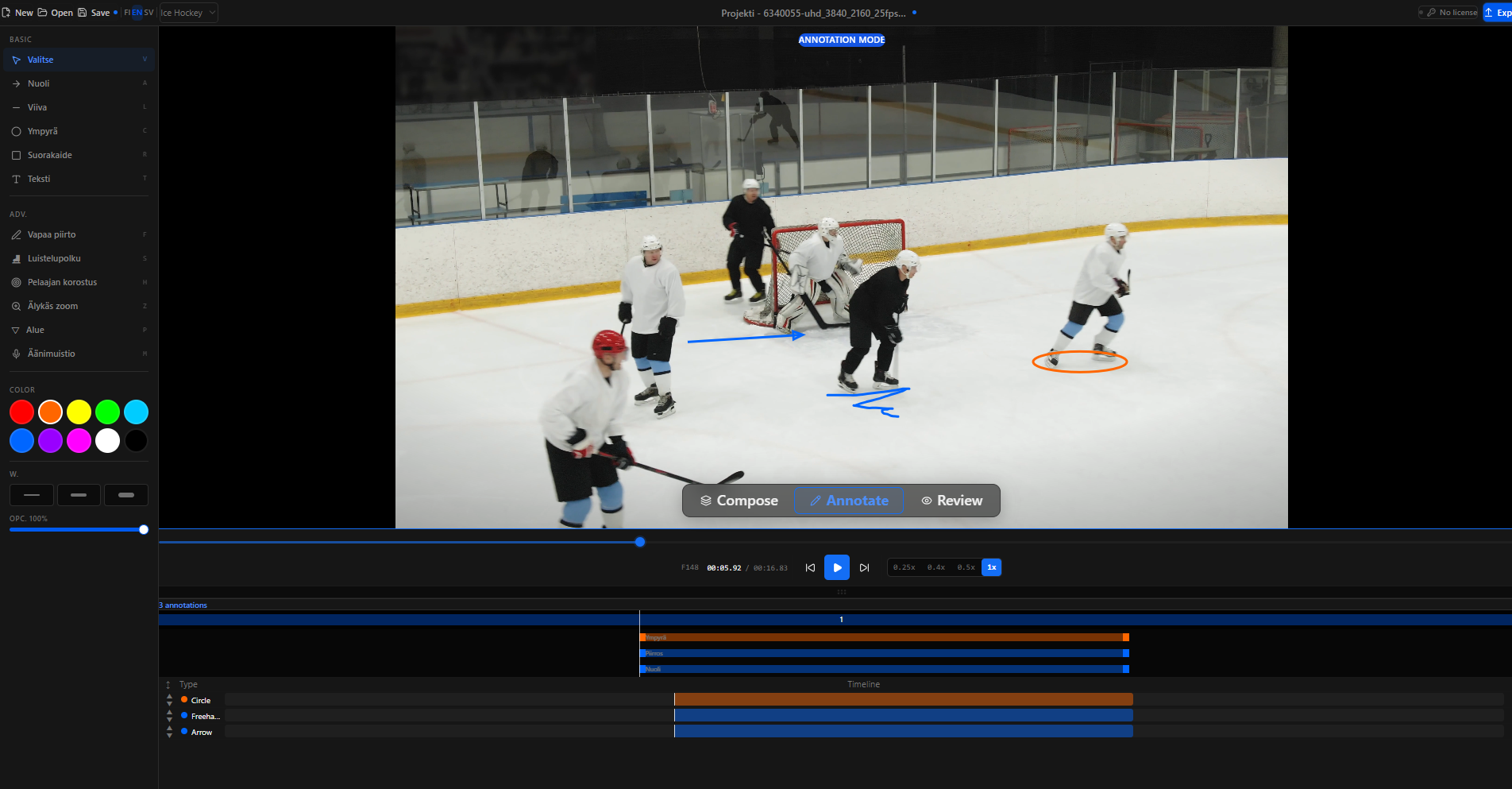
Draw arrows, circles, freehand paths, zones, and text on any frame. Annotations stay locked to the clip, not the timeline position.
Coach mode
Pick a session template and walk through it section by section: edit title slides, adjust annotation hints, add clip notes. The app structures the coaching session for you.
Clip timeline
Chain multiple clips into a single coaching reel. Drag to reorder, trim in/out points, add title slides. Up to 15 clips per project.
Event tagging
Tag key moments with one click: passes, shots, turnovers, positioning. See the breakdown per player and per clip in the Analyze tab.
Phone-ready export
Export in a format sized for messaging apps, under 10 MB, no compression step needed. Send the reel directly via WhatsApp, iMessage, or email.
Completely offline
Your video files never leave your computer. All processing runs locally via FFmpeg. No cloud upload, no account required for basic use.
Who it's for
Youth coaches
U10 to U15 is the sweet spot. Players at this age are the most receptive to video feedback. Seeing themselves on screen is often more powerful than anything a coach can say verbally.
Sports parents
You watch every game, you notice every pattern. CoachReel gives you a way to turn that observation into something concrete your child can watch, understand, and act on.
Club assistants
You don't have a broadcast budget or an analyst on the bench. You have a laptop and some video files. That's all CoachReel needs.
First look
Up and running in under two minutes.
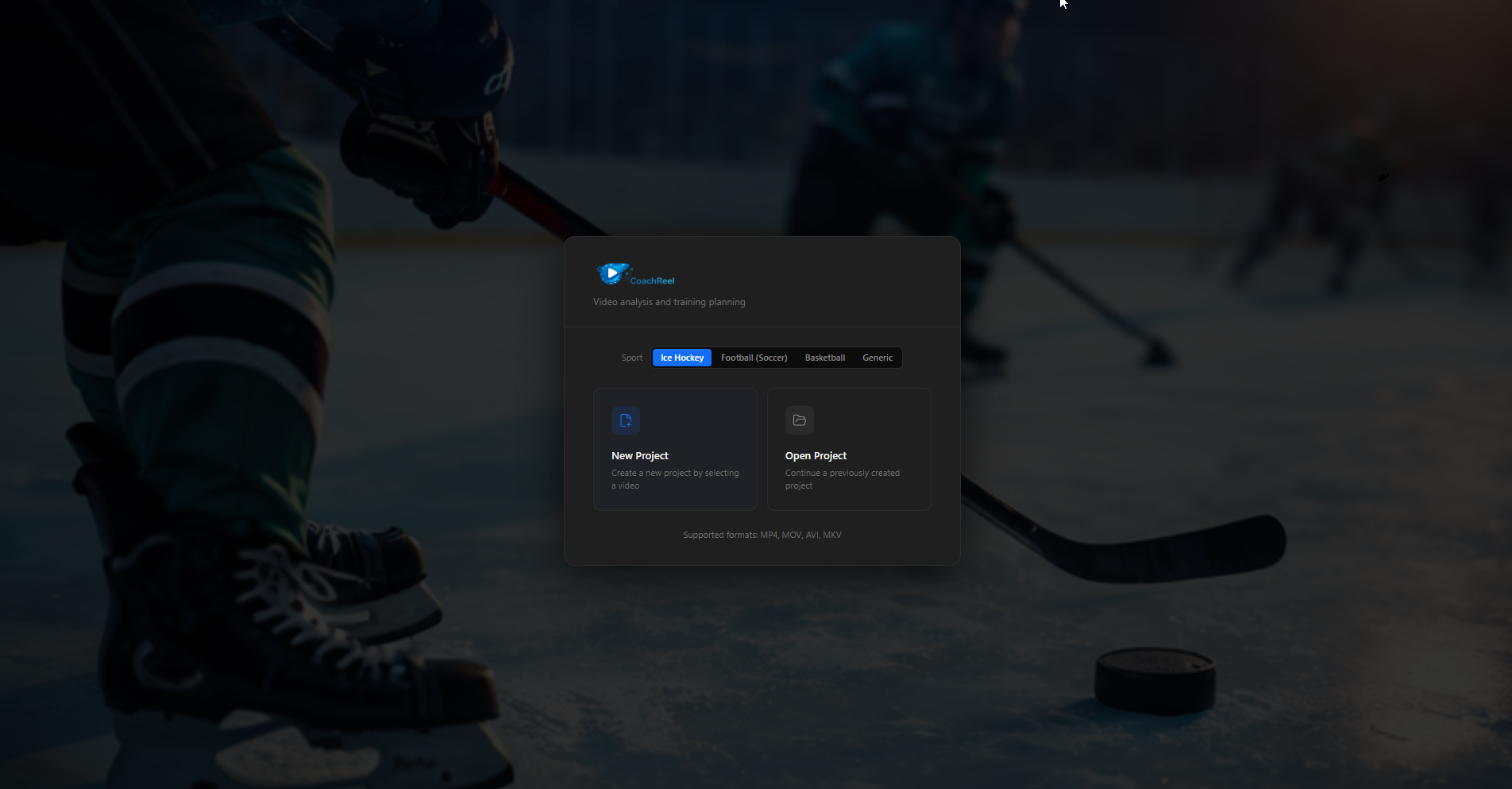
Open CoachReel, give your project a name, and load your first video file. No setup wizard, no account required, no configuration. The welcome screen is the only thing between you and your first annotation.
- Create a project in one click
- Load any video format straight from your drive
- Your files stay on your machine at all times
- Projects auto-save as you work
The story
Built by a hockey parent, not a broadcast studio.
I have two sons: one in U12, one in U14. One plays hockey, the other football. Like most parents on the bench, I wanted to show them what they're doing well and where one small adjustment could make a real difference.
Not to criticise, but to give them the self-awareness that's hard to build without seeing yourself on the ice. To help them develop game sense: positioning, timing, reading situations before they happen.
After nearly 20 years in software engineering, working on complex industrial applications with a focus on UI and usability, I knew the tools available weren't the problem. The problem was that none of them were designed for this specific use case.
So I built CoachReel.
Built to last
Your footage of children stays on your machine.
All video processing runs locally. No cloud upload, no server, no waiting. Your files go nowhere. CoachReel works fully offline, which means it also works at rinks and venues where the WiFi is unreliable or non-existent.
This is what nearly 20 years of building software teaches you: the details your users should never have to think about are the most important ones to get right. Projects auto-save as you work. Your license is stored in the Windows Credential Manager, not a plain text file.
No upload
all processing runs locally
Auto-save
your work is never lost
GDPR
your data, your right to delete
Offline
works at any rink or venue
What's next
Version 1.0, and just getting started.
CoachReel V1 covers the core coaching workflow end to end. Future versions will bring deeper AI-powered analysis: automatic player detection, movement pattern recognition, and intelligent event suggestions. The roadmap will be shaped by how coaches actually use the tool.
See the full roadmap →Start for free. No credit card.
Download CoachReel for Windows, create a project, and load your first clip in under two minutes.
Download CoachReel for Free